
Basic Computer Course in Laxmi Nagar, Delhi
Learn essential computer skills including Windows, MS Office, Internet, Email, Typing, Digital Productivity, Online Services, and Office Applications through practical, hands-on training with certification and placement support.
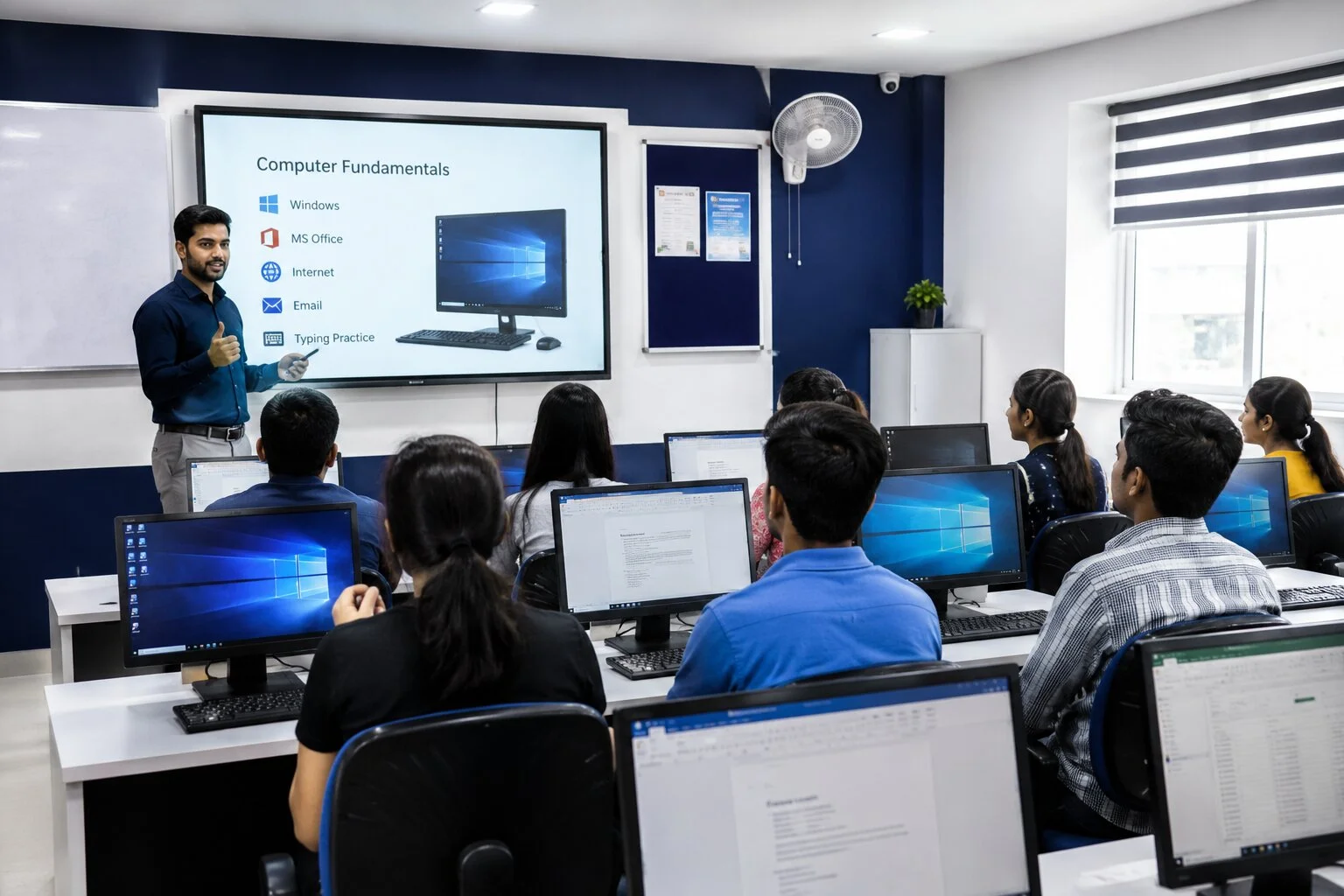
What is a Basic Computer Course?
A Basic Computer Course is a beginner-friendly training program that builds core digital literacy — from understanding computer fundamentals and the Windows operating system to using MS Office applications, the internet, email, and everyday online services confidently.
- ✓Computer Fundamentals & Hardware Basics
- ✓Digital Literacy for Everyday & Office Use
- ✓Windows Operating System & File Management
- ✓Office Productivity with MS Word, Excel & PowerPoint
- ✓Internet Usage, Email & Online Government Services
- ✓Real-life practical applications used in offices and daily life
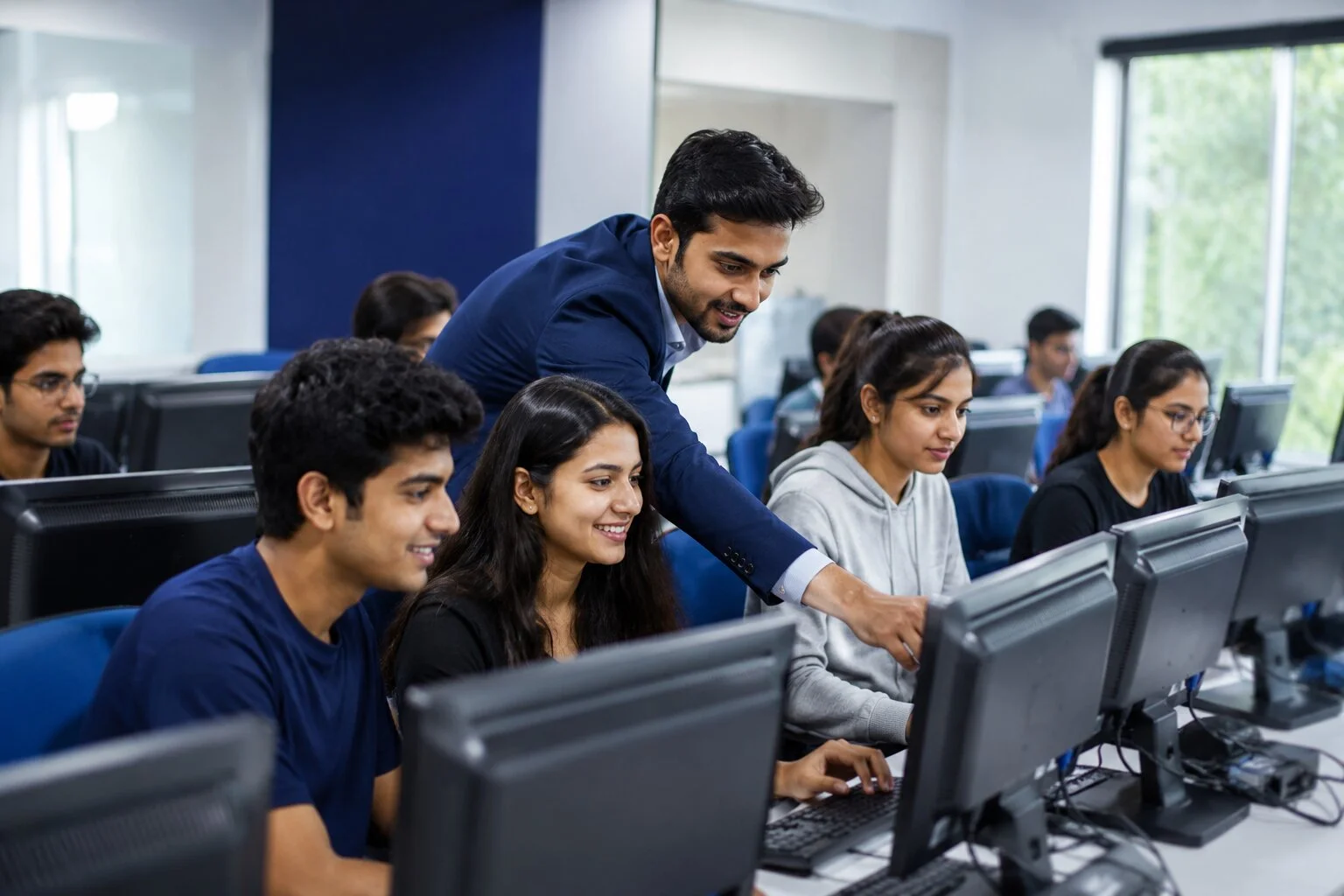
Why Learn Basic Computer Skills Today
Computer literacy is now a baseline requirement across offices, government services, colleges and businesses. Here's why building these skills matters for your career and daily life.
Essential Digital Skills
Basic computer knowledge is now a minimum requirement for almost every job and daily task.
Office & Government Jobs
Most office assistant, clerical and government roles require MS Office and typing proficiency.
Private Company Roles
Private companies expect employees to handle documents, spreadsheets, email and internet tools confidently.
Career Growth & Productivity
Stronger computer skills improve workplace productivity and open doors to career advancement.
This Course is Designed For
Whether you are a student, job seeker, working professional or business owner, this course is built for anyone who wants to build strong computer fundamentals.
Why This Basic Computer Course Works
A practical, structured approach designed to build genuine confidence with computers — not just theory.
100% Practical Training
Learn by doing — every concept is practiced hands-on in the lab, not just explained on a whiteboard.
Daily Lab Practice
Regular system access ensures you become genuinely comfortable using a computer independently.
Complete MS Office Training
In-depth, practical training on Word, Excel and PowerPoint used in real office tasks.
Typing Practice
Dedicated typing sessions to build speed and accuracy for office and exam requirements.
Expert Trainers
Learn from experienced trainers who focus on simple, beginner-friendly explanations.
Small Batch Size
Small batches ensure personal attention and doubt-clearing for every student.
Interview Preparation
Guidance on common interview questions for office assistant and computer operator roles.
Placement Support
Career guidance and job assistance support for eligible students after course completion.
Course Completion Certificate
Receive a certificate recognised by employers upon successful completion of the course.
Complete Basic Computer Course Curriculum
A structured, step-by-step curriculum that takes you from complete beginner to confident computer user.
Software Covered in This Course
Get hands-on practice with the exact software used every day in offices, colleges and government services.
Course Duration & Batch Timings
Choose a schedule that fits your routine. Offline classes at our Laxmi Nagar centre or online sessions from anywhere — morning, evening or weekend batches available.
Why Choose Mak Mentors Academy
A trusted training institute in Laxmi Nagar focused on practical skills, personal attention and real career outcomes.
Experienced Trainers
Learn from trainers experienced in teaching complete beginners with patience and clarity.
Practical Learning
Hands-on system practice ensures real confidence, not just theoretical knowledge.
Affordable Fees
Quality computer training at a fee structure designed to be accessible for everyone.
Career Guidance
Personalised guidance to help you choose the right career path after the course.
Placement Assistance
Support connecting eligible students with relevant job opportunities.
Small Batch Size
Focused batches so every student gets adequate attention and doubt resolution.
Latest Curriculum
Curriculum updated to match current office and digital skill requirements.
Interview Preparation
Practical interview preparation tailored to entry-level computer-based roles.
Career Paths After This Course
Build a strong foundation for entry-level office and administrative roles across industries.
Career Support to Help You Get Job-Ready
We help you move from learning to earning with structured career support.
Resume Building
Guidance to create a simple, professional resume highlighting your new computer skills.
Interview Preparation
Practice common interview questions asked for office and computer-based roles.
Mock Interviews
Simulated interview sessions to build confidence before real job interviews.
Career Counseling
One-on-one guidance to help you identify suitable job roles based on your interests.
Job Assistance
Support connecting eligible students with employers looking for trained candidates.
What You Get With This Course
Everything you need to learn effectively, practice consistently and stay supported throughout.
Practice Files
Ready-to-use practice files for Word, Excel and PowerPoint exercises.
Assignments
Regular assignments to reinforce every topic covered in class.
Study Material
Simple, beginner-friendly study material to revise at your own pace.
Recorded Sessions
Access recorded sessions for online batches to revisit topics anytime.
Mentor Support
Ongoing doubt-clearing support from your trainer throughout the course.
Certificate
Course completion certificate to add to your resume and job applications.
Career Guidance
Guidance on suitable job roles and next steps after course completion.
Placement Support
Job assistance for eligible students after successful course completion.
Frequently Asked Questions
Answers to common questions about the Basic Computer Course at Mak Mentors Academy, Laxmi Nagar.
A Basic Computer Course is a beginner-level training program covering computer fundamentals, Windows, MS Office, internet, email and essential digital skills needed for daily life and office work.
Anyone with little or no computer knowledge can join, including school and college students, job seekers, working professionals, housewives, senior citizens and business owners.
No prior experience is required. The course is designed from the ground up for complete beginners, starting with computer basics before moving to advanced topics.
The course typically runs for 1 to 3 months, depending on the batch type and your chosen schedule — weekday, weekend, morning or evening.
Yes, the course includes in-depth practical training on Microsoft Word, Excel and PowerPoint, along with real-world office tasks and assignments.
Yes, dedicated typing practice sessions are included to help you build both speed and accuracy for office and examination requirements.
Yes, the course is available both offline at our Laxmi Nagar centre and online, with flexible weekday, weekend, morning and evening batches.
Yes, you receive a course completion certificate from Mak Mentors Academy that you can add to your resume and job applications.
Yes, eligible students receive placement support including resume building, mock interviews and job assistance after course completion.
Common roles include Computer Operator, Office Assistant, Data Entry Operator, Back Office Executive, MIS Assistant and Administrative Assistant.
Entry-level salaries vary by role, city and employer, and generally improve with additional skills such as Advanced Excel, Tally or Office Management, which we also offer.
Yes, the curriculum includes practical training on filling online forms and using common government digital services confidently.
Yes, you will learn internet browsing, effective Google searching, and creating and managing an email account, including sending attachments professionally.
We are located near Laxmi Nagar Metro Station, D-223, First Floor, Laxmi Complex, New Delhi, easily accessible from East Delhi and Delhi NCR.
You can book a free demo class by calling us, messaging on WhatsApp, or filling the enquiry form on our contact page.
Start Your Basic Computer Course Today
Build essential Windows, MS Office, Internet and digital skills with practical training, certification and placement support at Mak Mentors Academy, Laxmi Nagar.
Visit Our Laxmi Nagar Institute
Reach out to book your free demo class or ask any questions about the Basic Computer Course.